Flick
A wristband and an app that log your shots on a neighborhood court. You turn your hand to tell it you scored.
UX/UI and interaction design, 2025
The brief
Flick was the final project of the Human–computer interaction course at the University of Trento, made with my team and presented in January 2025.
The need
We looked at amateur basketball. Players between 14 and 30 meet on neighborhood courts and school gyms, without a coach and without any numbers. The score lives in their memory, which leads to arguments, and nothing tells them whether they are getting better.
Soccer already has GPS trackers and smart balls. Basketball has a few devices too, but these players cannot afford expensive ones.
What existed
Wilson’s connected ball counts shots, but only for training alone, and it costs more than a normal ball. HomeCourt films you with a phone, so its accuracy depends on where the phone stands. ShotTracker covers a whole team, with a setup of several pieces and a higher price.
None of them fit a game with friends on a public court.
The idea
The wristband has motion sensors, a light, a vibration motor and a single button. The app keeps the sessions, the challenges, the teams and the progress over time.
We set its limits with people who know the sport: under 250 grams, so it never gets in the way of a shot, and built to take rain, dust and knocks on an outdoor court.
Turn your hand
The wristband does not try to guess whether a ball went in. After a basket you turn your hand, and the motion sensors record it. The wristband gives feedback with its light and a vibration.
The game goes on, and the score no longer depends on anyone’s memory.
- A shot
- In?
- Turn your hand
- Light and vibration
- Logged
nothing to do, keep playing
A session
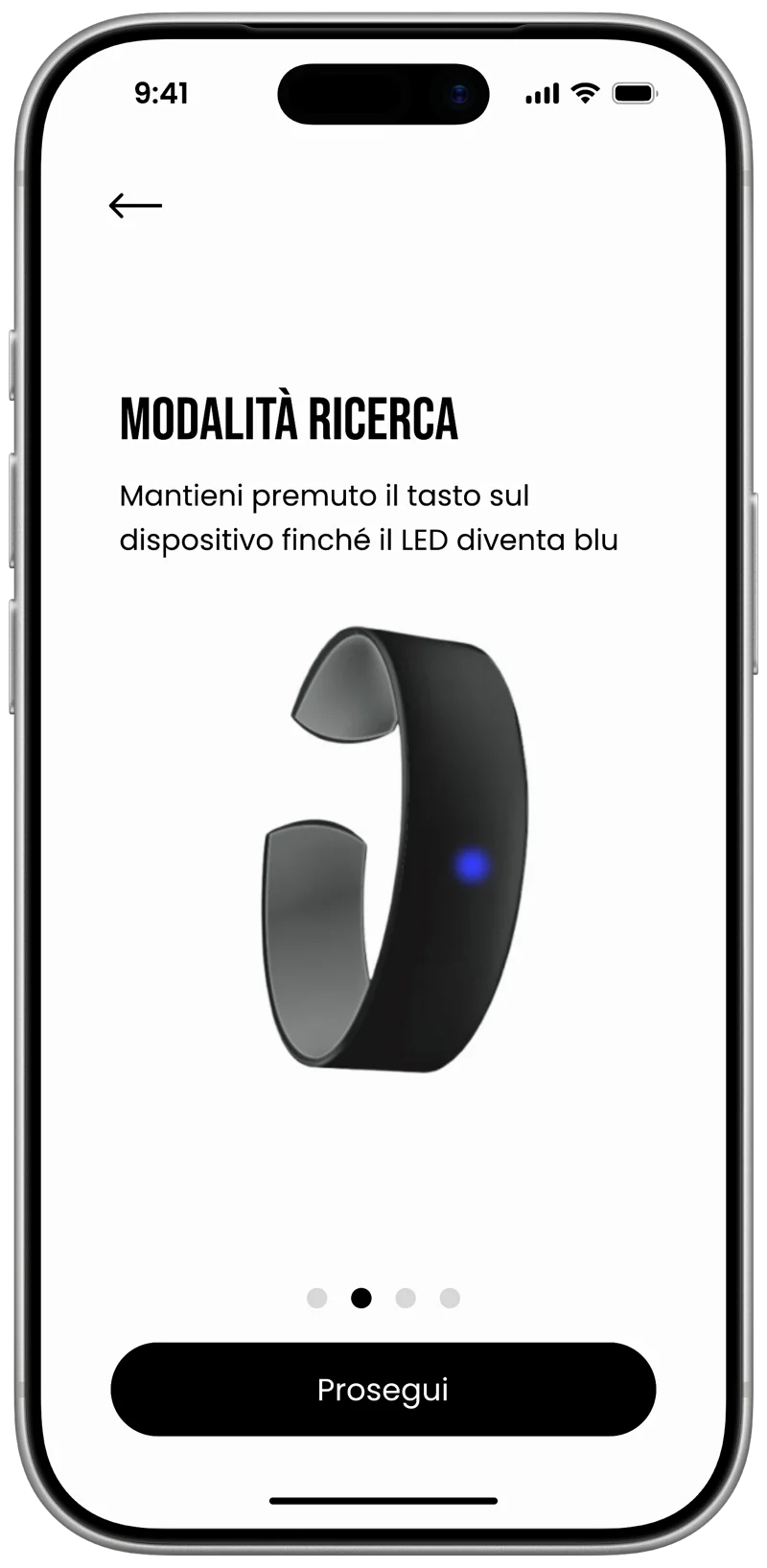
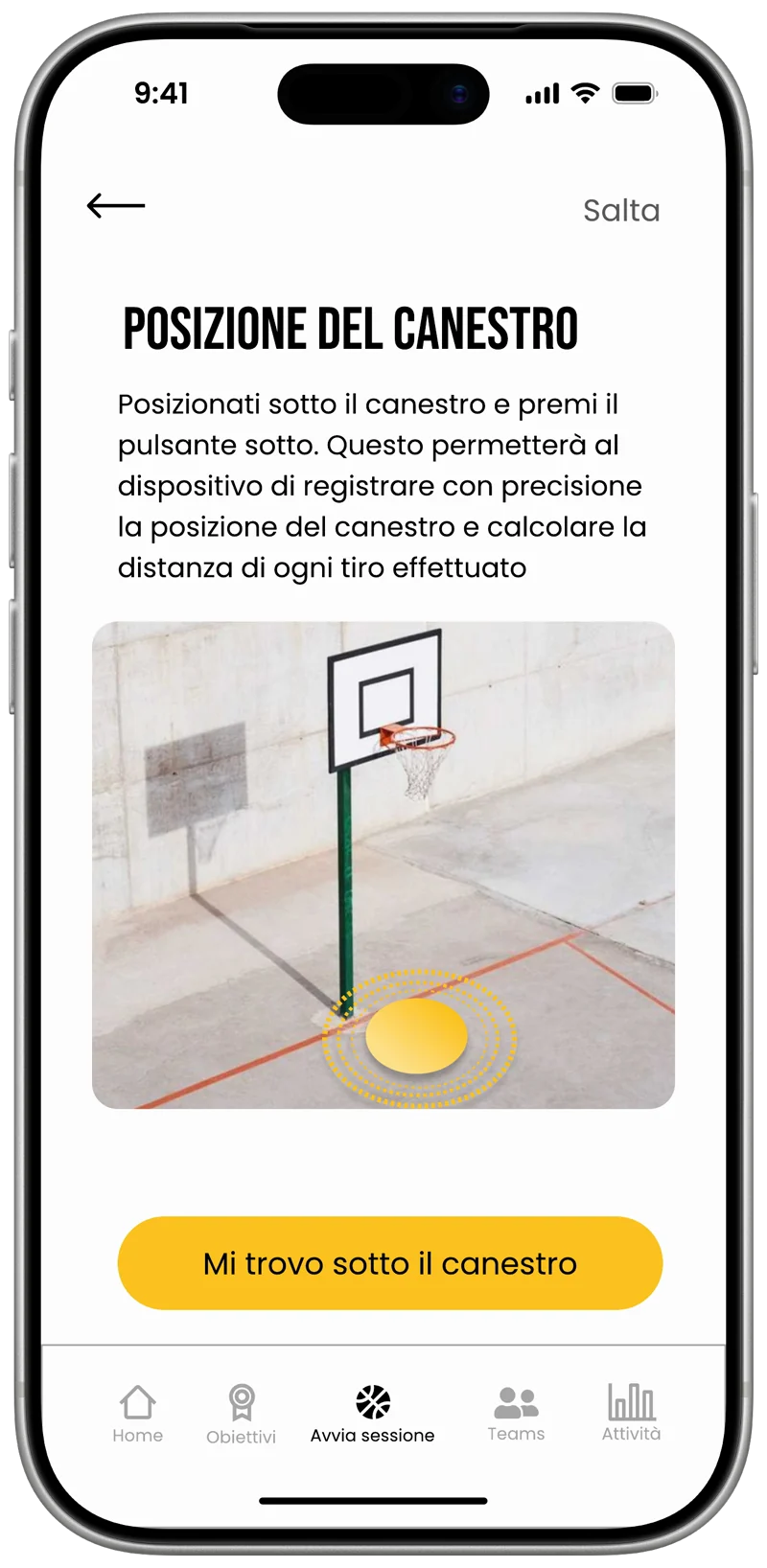
Pairing takes one button, held until the light turns blue. Before playing, you stand under the hoop and press it again, so the wristband knows where the basket is and can measure the distance of every shot.
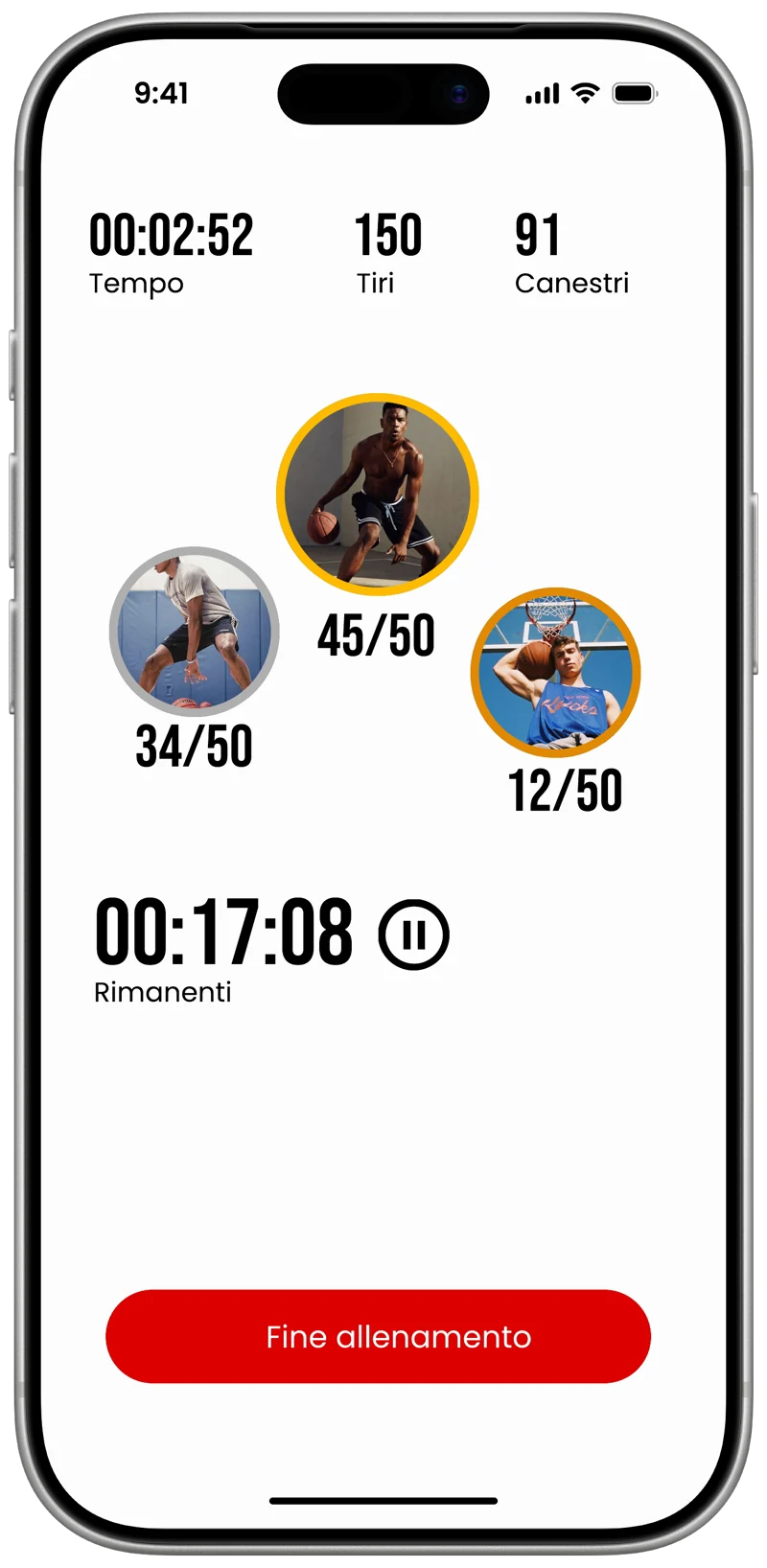
A session has a mode, such as free throws, long range or one on one, and friends join by email or with a code. While you play, the app shows the time left, the shots and each player’s score.
We mapped every screen in FigJam before drawing it in Figma, and checked each one against the parts of the screen the thumb reaches easily.
After the game
At the end the players stand on a podium, with the totals of the session and a note on shooting technique.
Because the wristband knows where the basket is, every shot has a distance. This is the session from our Figma file on the court: 50 shots, 34 baskets, taken 6 meters from the basket on average.
Groups of friends become teams with their own rankings, and goals such as 100 baskets in a week give a reason to come back to the court.
Where it stands
Flick ended with the presentation, with the app designed screen by screen and the wristband as a render. The decision I would defend again is the one at its center: one small gesture from the player is more reliable than a sensor trying to see the ball.